Kraft Box Artwork: Dielines, Bleed and Panels
By the team at The Kraft Boxes ·
A dieline is the flat map of your box, and artwork placed well on it is the difference between a logo that sits square and one that wraps over a fold. This guide explains the lines, the margins in millimetres and the file setup that suits brown kraft.
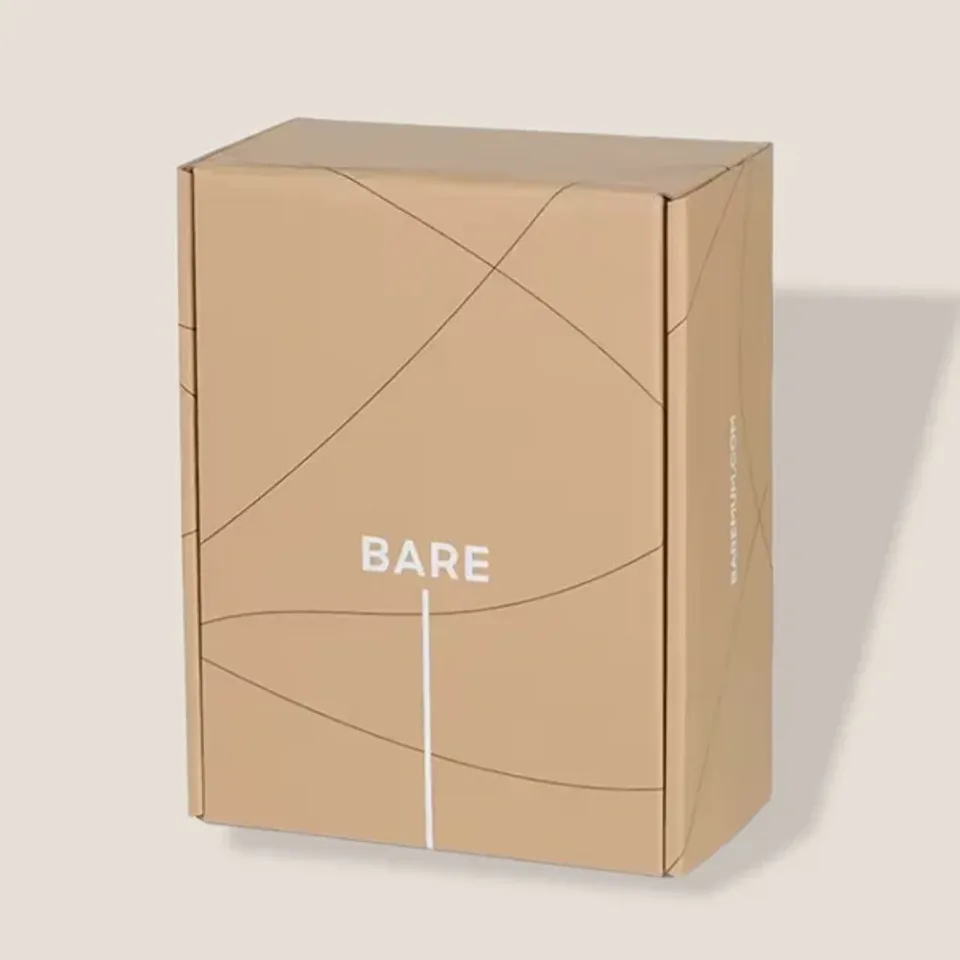
What is a dieline?
A dieline is a flat drawing of your box before it is cut and folded. It shows every panel, flap and tab laid out side by side, at full size.
The cutting die is made from that drawing, so the dieline is the exact shape your printed sheet becomes. Artwork placed on it lands where you expect once the box is built.
We draw a dieline for every box from the inside size you send. You never need to make one yourself, though it helps to know how to read it.
How do you read the lines on a dieline?
Most dielines use the same few line types, usually in different colours on a separate layer. The colours vary between printers, but the meaning stays the same.
- Solid line: the cut. The board is cut right through here.
- Dashed line: the crease or fold. The board is pressed so it folds cleanly here.
- Dotted or dash-dot line: a perforation or tear strip, where the board partly cuts through.
- Outer line beyond the cut: the bleed edge, where background artwork should stop.
- Inner line inside each panel: the safe zone, where text and logos should stay.
- Shaded area: the glue flap, which is hidden once the box is built and is best left unprinted.
Tuck cartons have the most flaps of any style. Our kraft tuck boxes for small goods are a good example of how dust flaps and the tuck end appear on a flat layout.
How much bleed and safe zone do kraft boxes need?
Bleed is the extra artwork that runs past the cut line. It stops a thin brown edge showing if the cut lands a fraction off. The safe zone keeps important detail away from cuts and folds for the same reason.
The figures below are typical settings for kraft packaging. We set them on your dieline, and they show on the free proof.
| Setting | Folding kraft board | Corrugated kraft | Why it matters |
|---|---|---|---|
| Bleed past the cut | 3 mm | 3–5 mm | Covers small movement when cutting |
| Safe zone inside cuts and folds | 3 mm | 5 mm | Keeps text off edges that bend or round |
| Smallest black text | About 6 pt | About 8 pt | Kraft fibres spread ink slightly |
| Smallest white or reversed text | About 8 pt | About 10 pt bold | Light ink fills in more easily |
| Thinnest line | About 0.25 mm | About 0.5 mm | Fine lines break up on rough board |
| Photo resolution at final size | 300 ppi | 300 ppi | Lower values look soft or blocky |
Plain kraft areas need no bleed at all. If your design is a logo on open brown board, the bleed only matters where colour touches an edge.
Which panel is the front?
On a flat dieline, it is easy to lose track of which panel faces the customer. We label every panel on the proof: front, back, sides, top, base, lid and inside.
On a mailer, the front is usually the top of the lid. The logo reads correctly when the hinge sits away from you. The front tuck flap then sits towards you.
On a tuck carton, the front is the widest side panel. Text on the end flaps often reads sideways, so check the direction of each end on the proof.
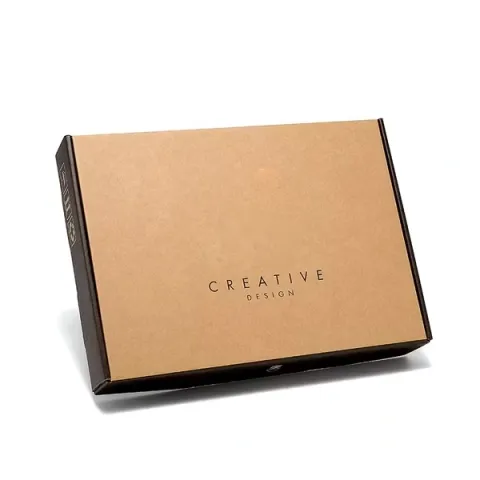
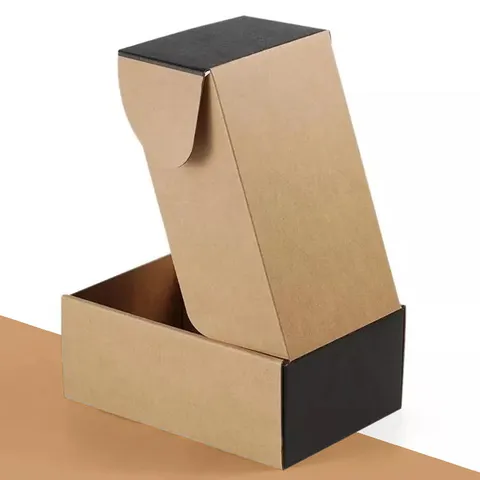
Mailers are where panel direction matters most, because the lid is seen first and the inside second. Our printed kraft mailer boxes for online shops are set up with the lid reading the right way when opened.
How should text and images sit around folds?
Folds are where artwork goes wrong most often. A word that runs over a crease will bend round a corner, and a thin line on a fold can crack and show brown board.
Keep text and logos inside the safe zone on one panel. If a design must wrap around a corner, use a pattern or a broad shape that still reads when it bends.
Corrugated folds round slightly, so allow the extra 5 mm safe zone there. Folding kraft folds crisply, so 3 mm is usually enough.
Barcodes need a flat panel well away from any fold, in black on brown or on a white patch. Leave a clear margin of plain board around the bars so a scanner reads them first time.
How do you set up white ink and spot colours?
White ink is not something a normal file shows, because screens treat white as empty. On kraft it is a real ink, so it needs its own clearly named layer or spot colour, such as White.
Put the white artwork on its own layer above the board and set it to overprint, or follow the setup your designer sends. Do the same for any white underprint beneath bright colours.
Name each spot ink and keep the number of spot colours to what you have chosen, such as one or two. Delete unused swatches so nothing extra slips into print.
Kraft changes how every ink looks. Our guide to black, white and colour on kraft explains why reds darken on brown and when a white base is worth it.
Which files should you send?
Vector files keep logos sharp at any size. PDF, SVG, EPS and AI files all work, with fonts converted to outlines so the lettering cannot change.
Photos and textures should be at least 300 ppi at the size they will print. A 100 mm wide photo therefore needs about 1,200 pixels across.
If you only have a PNG or JPG logo, send it anyway. Our designers can often trace a simple logo, and we flag on the proof if a file is too soft to print well.
If you order more than one box style, send one artwork file per style. A logo sized for a mailer lid will look lost on a soap carton, so each dieline gets its own layout.
How does artwork go from dieline to proof?
- You send your box size, print plan and logo or full artwork.
- We draw the dieline to your inside size and mark bleed, safe zones and panels.
- A designer sets your artwork onto that dieline at no cost.
- You receive a proof showing every panel, the ink colours and the box size.
- You ask for any changes, with unlimited edits until it is right.
- You approve the proof in writing, and production starts.
- Boxes are cut, printed and packed flat in 4–6 business days, then posted free on a tracked service, arriving in 2–3 business days.
Want a quick feel for placement first? You can place your logo on a kraft box and send the result with your brief.
Which artwork mistakes are easy to avoid?
Putting key text on the glue flap is a classic. That panel ends up hidden inside the box, so nobody ever reads it.
Another is designing for a white mock-up. Artwork that looks crisp on a white screen can lose contrast on brown board, especially light colours and thin type.
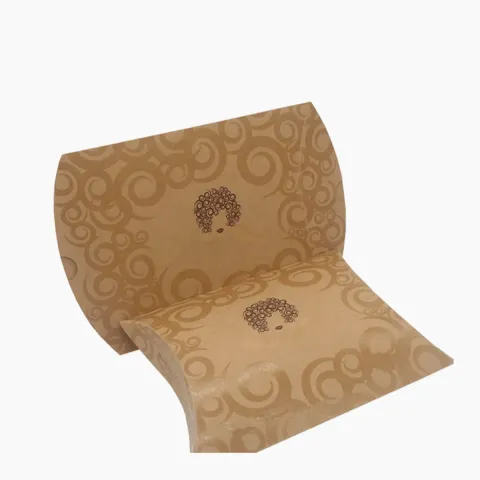
Small shapes such as pillow boxes need extra care, since their curved ends leave less flat space. Our kraft pillow boxes for favours and gifts carry a logo best in the middle of the flat face.
What should you check on the proof before approving?
Check spelling, phone numbers and web addresses letter by letter. Check that each panel reads the right way up and that no text sits over a fold.
Look at the colour notes and confirm which areas print white, which print colour and which stay plain kraft. Confirm the inside size matches your product.
Prices start from £0.25 per unit and are always set out in a written quote. Spot a misprint or a wrong size on delivery? Send photos within 10 days and we will reprint the boxes or refund you. When the files are ready, send your artwork for a free proof.
Boxes Mentioned in This Guide
12questions answered
Questions About This Guide
Straight answers from the people who cut and print the boxes. Open any question to read the reply.
Do I need to make my own dieline?
No. We draw the dieline from the inside size you send and place your artwork on it for a free proof.
How much bleed should kraft box artwork have?
About 3 mm past the cut on folding kraft and 3–5 mm on corrugated is typical. We set the bleed on your dieline for you.
What is a safe zone on a box dieline?
It is an inner margin on each panel where text and logos should stay. On kraft boxes it is usually about 3 mm on folding board and 5 mm on corrugated.
What do the dashed lines on a dieline mean?
Dashed lines usually mark creases, where the board folds. Solid lines mark cuts, and dotted lines often mark a perforation or tear strip.
Can I print on the glue flap?
You can, but nobody sees it once the box is built. Keep that area plain or let a background pattern run across it.
How do I show white ink in my file?
Put white artwork on its own clearly named layer or spot colour, such as White. Screens show white as empty, so it must be marked separately.
What resolution should photos be for box printing?
At least 300 ppi at the size they print. A photo printing 100 mm wide needs about 1,200 pixels across.
Can I send a JPG logo instead of a vector file?
Yes, send what you have. Vector files print sharpest, and our designers flag on the proof if a JPG is too soft.
Where should a barcode go on a kraft box?
On a flat panel away from folds, in black on brown or on a white patch, with plain margin around the bars so it scans cleanly.
Why do fonts need converting to outlines?
Outlined text becomes a shape, so it cannot switch to another font when the file opens on a different computer.
Can text run across two panels of a box?
It can, but it bends around the corner and can be hard to read. Patterns and broad shapes wrap far better than words.
How many changes can I make to my box proof?
As many as you need. Proof edits are unlimited and free, and nothing is printed until you approve the proof in writing.
Tell us what you ship
Send the product, a rough size and a quantity. We reply in writing within one business day with a price and a free design proof. Prefer to talk? Call +44 7578 382054 or message us on WhatsApp.